

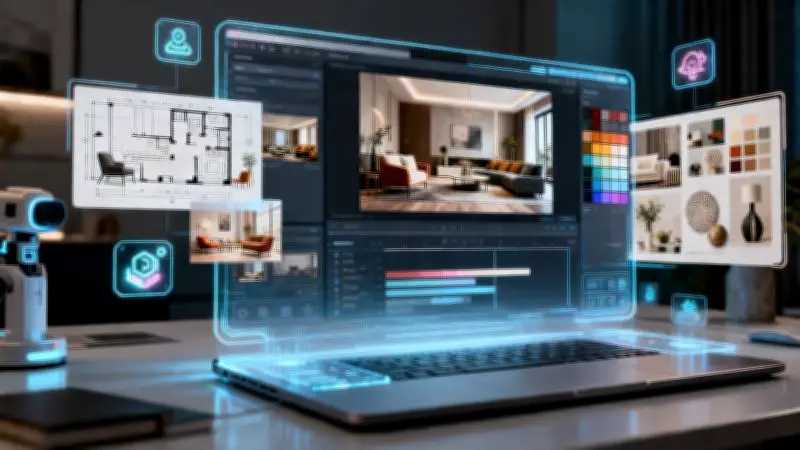
Dreamina's Seedance 2.5 model enables homeowners and interior designers to create cinematic reveal videos from static photos, eliminating the need for extensive camera work. The AI-powered tool accepts text prompts, room images, and reference materials to produce up to 30 seconds of coherent footage in a single pass.
Building Suspense in Interior Reveals
A successful room reveal video should gradually introduce elements rather than showing everything at once. Start with close-ups of statement furniture, decorative shelving, artwork, lighting fixtures, or reading nooks, then transition to wider shots to unveil the complete design. This gradual build-up makes the final reveal more engaging.
Capturing the Essence of Design
Each home reflects its inhabitants. Reveal videos should convey not just the layout but the feeling of the space. A minimalist office emphasizes simple shapes and natural light, while a rustic living room highlights warmth and cozy colors. Arranging objects to evoke emotion helps viewers feel immersed in the interior.

How Seedance 2.5 Enhances Video Creation
Seedance 2.5 streamlines interior visualization by merging prompts, room images, and references into a unified multi-modal workflow. This ensures strong consistency across different spaces, maintaining coherent lighting, materials, colors, and decorative elements. Improved tone and style consistency make transitions between rooms feel natural and harmonious. The upgraded generation length of up to 30 seconds allows creators to showcase a complete room reveal without fragmentation. Localized precision editing enables quick adjustments to specific areas—such as furniture placement or lighting details—without disrupting the overall scene.
Creative Room Reveal Ideas
Seasonal home designs, apartment renovations, bedroom makeovers, kitchen décor changes, and nook decorations are all suitable subjects for reveal videos. These videos help generate new content and celebrate different decorating ideas.
Step-by-Step with Dreamina
Step 1: Launch Dreamina and select Seedance 2.5 AI Video Generator to access the model for creating AI videos from text, pictures, and references.
Step 2: Write a prompt detailing scene, subject, motion, camera work, and mood. Upload pictures or reference materials to influence character, product, style, or video creation. Example prompt: "Create a revealing video of home decor. Make a cinematic reveal of living room decoration. Use interior pictures with elegant camera work, natural light, smooth transitions, stylish furniture, and decor."
Step 3: Tap Generate and allow Seedance 2.5 to convert the vision into an AI movie. Improve the prompt or references if necessary, and save the movie for social media, advertisements, product presentations, or other creative tasks.
Incorporating Movement
Simple, deliberate movements like camera push-ins, slow pans, and transitions help guide viewers through the room while enhancing the décor. Different speeds add suspense. Start with close-ups of cushions, vases, and wall art before transitioning to wide shots.
Planning for Social Platforms
Consider the platform's format, duration, and visual emphasis. Vertical videos suit short-form content, while horizontal works for websites or presentations. Include an engaging opening and ending. Add a caption describing the transformation or design inspiration to connect with viewers.
Building a Portfolio
Interior designers, home stylists, content creators, and decorators can use room reveal videos to build a visual portfolio. Each decorated room becomes part of a cinematic story that can be shared on social networks, personal websites, or client presentations, showcasing design sense and inspiring others.
Make Dream Spaces Come Alive
Every interior project has a unique tale of creativity, preparation, and style. Dreamina allows users to share those tales without a camera, using Seedance 2.5 to turn inspiration and completed designs into impressive visual stories.